In a large Salesforce org, it’s common to have numerous scheduled jobs running across multiple Apex classes. While you can review them via Setup → Scheduled Jobs, some of these jobs may be legacy implementations that are poorly documented or no longer actively maintained, making it challenging to understand their purpose or identify their owners. To manage and maintain these jobs more effectively, it’s often essential to capture both the Cron expression and the associated Apex class name for each scheduled apex job.
The following SOQL query provides a clear and comprehensive view of all scheduled jobs in your org:
SELECT CronTrigger.CronJobDetail.Name ,CronTrigger.CronExpression, ApexClass.Name, CronTrigger.NextFireTime,CronTrigger.StartTime,CronTrigger.EndTime, JobType FROM AsyncApexJob WHERE CronTriggerId IN (SELECT id FROM CronTrigger WHERE CronJobDetail.JobType = '7')
You would get the table like below:
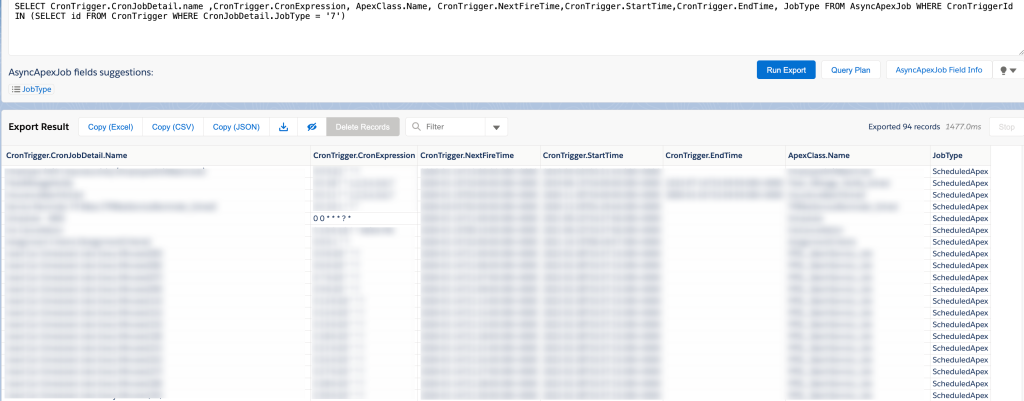
Note: Paused scheduled Apex jobs may not appear in the AsyncApexJob table, since they are not enqueued for execution while paused, so additional verification may be needed for such jobs.
Reference: CronJobDetail